> For the complete documentation index, see [llms.txt](https://help.craftsmanplus.com/llms.txt). Markdown versions of documentation pages are available by appending `.md` to page URLs; this page is available as [Markdown](https://help.craftsmanplus.com/play/general/actions/play-pause-scene.md).
# Play/Pause Scene
Pause the current scene's playback, and resume it later.
The **Pause Scene** and **Play Scene** actions stop and resume the current scene. Pause Scene freezes the scene at its current moment. Play Scene continues from where it stopped.
This is useful for patterns like:
* Pausing on a tutorial hint until the user taps
* Holding a scene still while a choice is on screen
* Resuming playback once the user makes a choice
### How it Works
Neither action has any settings. Select it and it is ready.
**Pause Scene** stops:
* The scene's playhead, so layers stop entering and leaving
* Videos and Sequences
* Game Mechanics
* [Scene Events](/play/layers/scenes/scene-events.md)
**Play Scene** resumes all of the above from the paused moment. Using it on a scene that is already playing does nothing.
Some things keep running while a scene is paused:
* The [Global Timer](/play/settings/global-timer.md) keeps counting.
* Idle [animations](/play/properties/animations.md) keep looping.
* Taps on visible layers keep working, so users can tap to resume.
### Where You Can Use It
**Pause Scene** is available in most action dropdowns, including Interactions, Layer **On Finish**, Scene Events, the Global Timer, and Progression [Triggers](/play/settings/progression/triggers.md).
**Play Scene** is available in the same places, except Scene Events.
Neither appears in a scene's **On finish**, since the scene has already ended at that point.
### Setting Up a Pause and Resume
{% stepper %}
{% step %}
### Add a Scene Event at the moment the scene should pause, and set its action to **Pause Scene.**
{% endstep %}
{% step %}
### Select the layer the user should tap to continue.
{% endstep %}
{% step %}
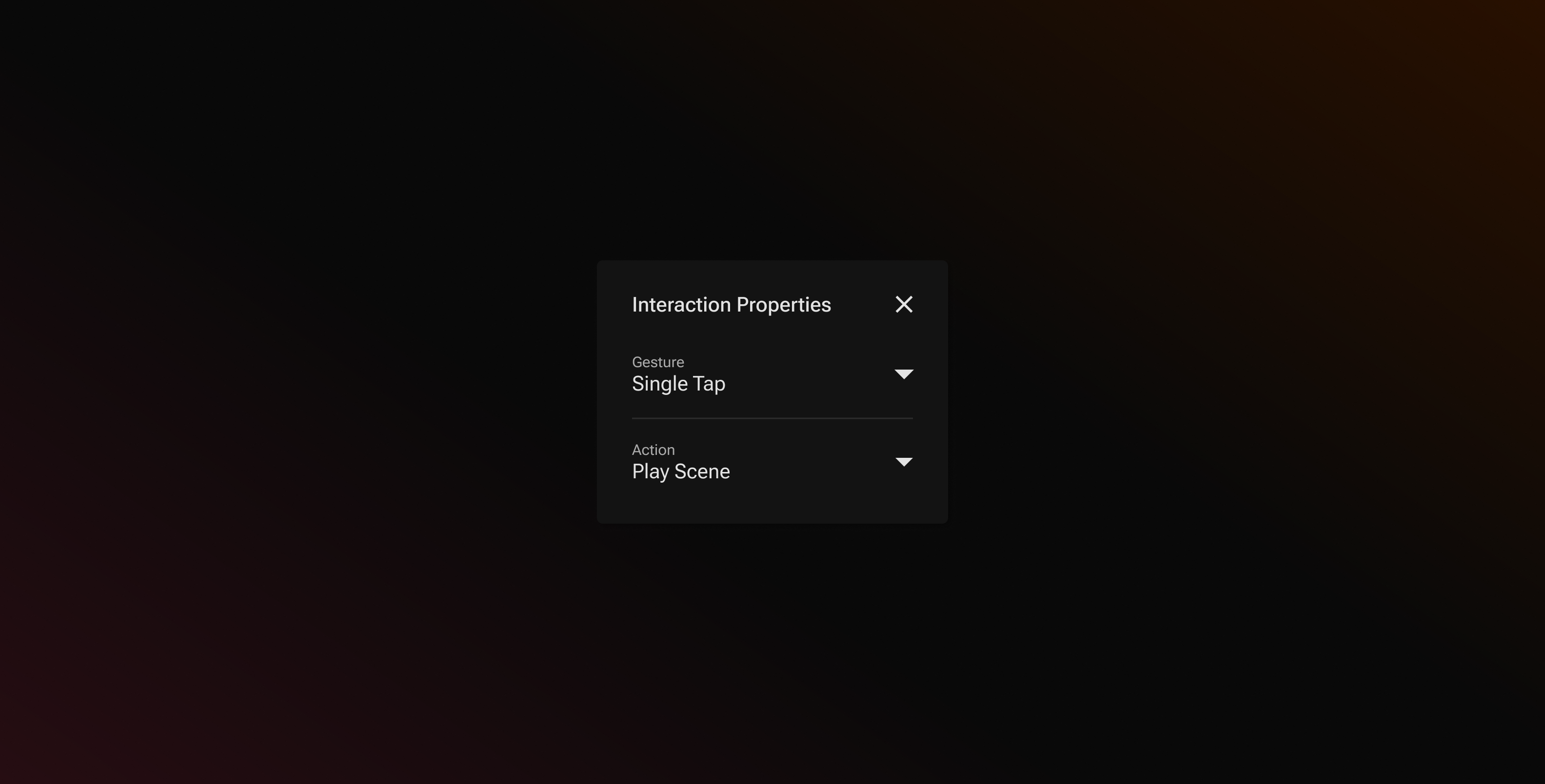
### Add a [Single Tap](/play/properties/interactions/gestures/single-tap.md) interaction with the action **Play Scene.**
{% endstep %}
{% step %}
### Preview to confirm the scene pauses and resumes.
{% endstep %}
{% endstepper %}
{% hint style="info" %}
Make sure the tap target is on screen when the scene pauses. A layer that has not entered yet, or has already left, cannot be tapped.
{% endhint %}
---
# Agent Instructions
This documentation is published with GitBook. GitBook is the documentation platform designed so that both humans and AI agents can read, navigate, and reason over technical content effectively. Learn more at gitbook.com.
## Querying This Documentation
If you need additional information that is not directly available in this page, you can query the documentation by asking a question.
Perform an HTTP GET request on the following URL with the `ask` and `goal` query parameters:
```
GET https://help.craftsmanplus.com/play/general/actions/play-pause-scene.md?ask=&goal=
```
`ask` is the immediate question: it should be specific, self-contained, and written in natural language.
`goal` is what the user is ultimately trying to achieve, the reason they need the answer. Sharing it helps GitBook give you a better, more relevant answer. A goal is most helpful when it describes the outcome the user wants rather than restating the question. For example, with `ask=how do I create an API token`, a goal like `automate deployments from our CI pipeline` lets GitBook tailor the answer to that use case.
The response will contain a direct answer to the question and relevant excerpts and sources from the documentation.
Use this mechanism when the answer is not explicitly present in the current page, you need clarification or additional context, or you want to retrieve related documentation sections.